Introduction – Why Safe Buying Matters for LCAI
Buying into a presale always comes with a mix of excitement and risk. On one hand, you’re getting in early, often at the lowest price point a project will ever offer. On the other hand, you’re moving money across unregulated rails where mistakes are permanent, and scams are designed to look indistinguishable from the real thing. For U.S. readers, the stakes are even higher. Not only do you need to watch out for phishing traps and fake contract addresses, but you also have to think about where your on-ramp funds are coming from and whether your wallet setup is bulletproof.
I’ve personally watched people lose their entire allocation because they clicked a “buy” link that was one character off the official domain. I’ve also seen U.S.-based buyers get their transactions stuck because they didn’t account for ERC-20 gas fees or sent USDT on the wrong chain. The purpose of this guide is to walk you through the process of buying LCAI safely, with each step tailored to the U.S. buying experience. From setting up your wallet the right way, to funding it correctly, to navigating the official presale site, we’ll cover not just the “how” but the “how to avoid the traps” part that most guides leave out.
Key Takeaways / TLDR
- Always set up a compatible ERC-20 wallet (MetaMask, Trust Wallet, or hardware wallet) before starting.
- Write your seed phrase offline—never store it in your phone or cloud services.
- U.S. buyers should purchase ETH or ERC-20 USDT via exchanges like Coinbase or Kraken, then transfer to their wallet.
- Set aside a gas buffer in ETH (around $10–$15 worth) to avoid failed transactions.
- Only use the official domain (lightchain.ai) typed manually into your browser.
- Verify the LCAI contract address on Etherscan before approving any purchase.
- Disconnect your wallet after buying and clear browser cache to reduce lingering risk.
Table of Contents
Step 1: Set Up Your Wallet Securely
1.1 Choosing the Right Wallet
The first step is deciding where your LCAI will live. Because LCAI is expected to run as an ERC-20 token, you’ll need a wallet that supports Ethereum-based tokens. The most common and user-friendly options are MetaMask, Trust Wallet, and Coinbase Wallet. MetaMask is often the go-to, but I’ve noticed U.S. buyers lean toward Coinbase Wallet if they’re already using Coinbase’s exchange for fiat purchases.
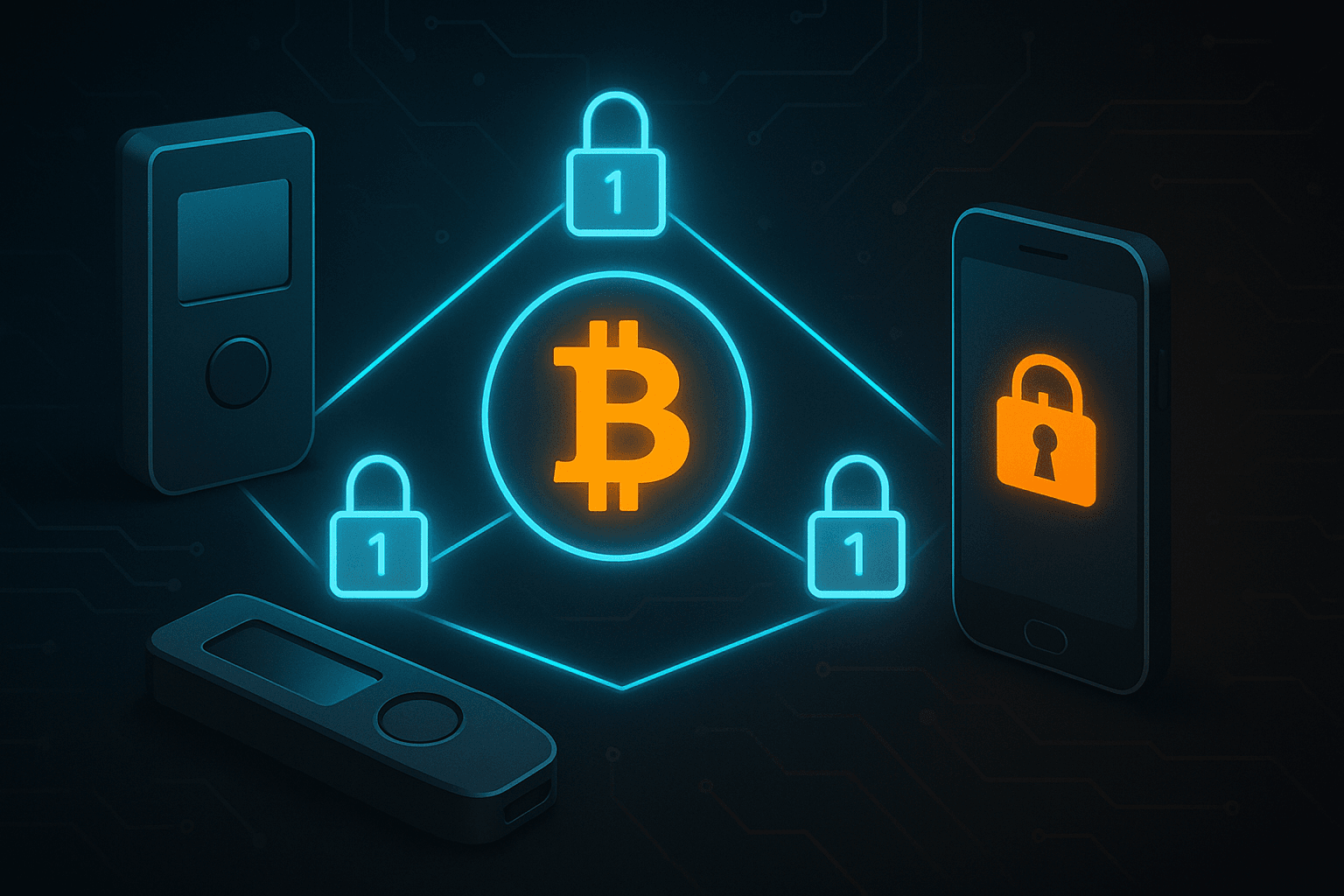
If you’re planning to hold a significant allocation, pairing your hot wallet with a hardware wallet like Ledger or Trezor is worth the extra setup time. Hardware wallets protect your private keys offline, making phishing attacks far less effective.
1.2 Securing Your Seed Phrase
The single biggest mistake I see new buyers make is storing their seed phrase in a cloud document or taking a screenshot. That’s a disaster waiting to happen. Write it down on paper, make two copies, and store them in separate secure locations—think safe deposit box and a home safe.
I’ve been in crypto since 2017, and I still use pen-and-paper storage for seeds. It feels archaic, but I’ve seen too many people lose assets from something as small as an old iCloud backup being compromised.
1.3 Safety Habits After Setup
Once your wallet is live, build habits that reduce attack surface. Disconnect your wallet from dApps after use. Clear your browser cache if you’ve been connecting through MetaMask’s extension. If you’re using WalletConnect, always close the session instead of letting it linger in the background. These small, almost boring habits make a big difference in keeping your tokens safe long-term.
Step 2: Fund Your Wallet with ETH or USDT (ERC-20)

2.1 Buying ETH in the U.S.
For most U.S. buyers, ETH is the simplest way to fund your purchase. Exchanges like Coinbase, Kraken, and Gemini let you buy ETH directly with USD through ACH or debit card transfers. Once purchased, you’ll transfer that ETH to your self-custody wallet (MetaMask, Trust Wallet, etc.).
When transferring, double-check two things:
- That you’ve copied the correct wallet address (always paste and then visually check the first and last 4 characters).
- That you’ve selected the Ethereum (ERC-20) network as the withdrawal option. Using the wrong network—like sending ETH via BSC or Polygon—means the tokens won’t show up in your LCAI-compatible wallet.
2.2 Using USDT Safely
If you prefer stablecoins, USDT is also accepted. But this is where most buyers trip up. Tether exists on multiple blockchains—Tron (TRC-20), Solana, and Ethereum (ERC-20), among others. For LCAI, only ERC-20 USDT will work.
I’ve seen multiple U.S. buyers send TRC-20 USDT from exchanges like KuCoin or Binance and then wonder why nothing shows up in their wallet. Unfortunately, those funds don’t automatically “translate” to Ethereum. Before withdrawing, always select ERC-20 as the network.
2.3 Gas Fee Buffer
Ethereum transactions require gas fees, paid in ETH. Even if you’re paying for LCAI with USDT, you still need a small amount of ETH in your wallet to cover approval and confirmation. As a rule of thumb, keep at least 0.005 ETH ($10–15 at current rates) aside for gas.
During my test buy, I noticed that USDT approvals often require two separate confirmations: one to grant the presale contract permission to spend your USDT, and another to finalize the actual purchase. Without that ETH buffer, you’ll get stuck mid-flow and risk wasting time (and possibly missing a presale round).
Step 3: Buying LCAI via the Official Site
3.1 Navigating Safely
Always type lightchain.ai directly into your browser. Do not rely on links from Twitter threads, Discord chats, or Telegram DMs. Phishing sites are almost indistinguishable from the real one, often swapping a single character in the domain name. A good safety check is to click the padlock icon in your browser bar and confirm the SSL certificate is valid for “lightchain.ai.”
3.2 Connecting Your Wallet
On the homepage, click “Connect Wallet.” MetaMask will prompt a pop-up asking you to confirm the connection. Double-check that the request is coming from lightchain.ai before approving. If you’re using WalletConnect, scan the QR code from your wallet app and confirm.
3.3 Selecting Your Payment Option
Choose whether you’re paying with ETH or USDT. Enter the amount you’d like to contribute, and the widget will display the corresponding amount of LCAI you’ll receive. At this point, compare the token quantity shown against what the presale round pricing should be (official pricing tiers are listed on the site).
3.4 Confirming the Purchase
- If paying with ETH: you’ll get one MetaMask confirmation window. Review gas fees and token amount before approving.
- If paying with USDT: you’ll first approve the contract to spend your tokens, then confirm the purchase in a second step.
Once confirmed, the transaction will be visible on Etherscan. Tokens may not appear instantly in your wallet interface, but you can manually add the LCAI token contract address (from the official site) to see your balance.
Step 4: How to Verify the Token Contract Before Purchase
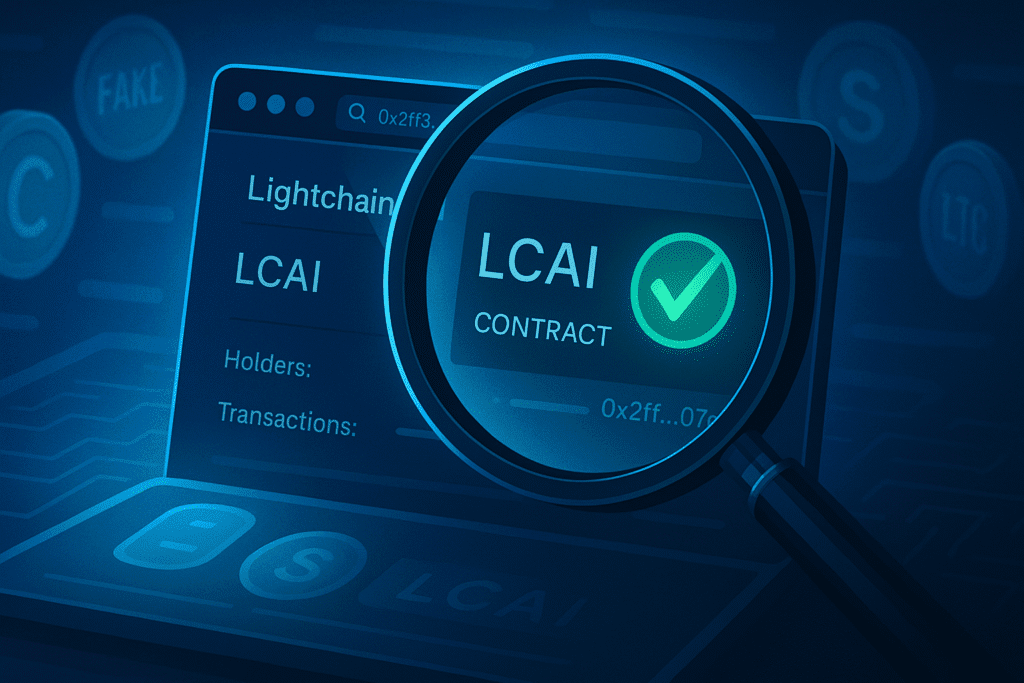
This is the step almost every rushed buyer skips—and it’s the one that separates a safe transaction from sending your money into a black hole. Fake tokens are everywhere, and scammers rely on people connecting wallets without double-checking what they’re actually interacting with.
4.1 Find the Official Contract Address
The only safe way to get the official LCAI contract is through the project’s website (lightchain.ai) or pinned messages on its verified social channels. Do not trust random links from forums or DMs. Once you have the address, copy it directly and keep it for reference.
4.2 Verify on Etherscan
Head to etherscan.io, paste the contract address into the search bar, and check:
- Verified Source Code: The contract should be verified, meaning you can see the source code. If it’s not, that’s a red flag.
- Token Symbol & Supply: It should display “LCAI” and match the documented maximum supply.
- Holders Tab: A healthy distribution usually has thousands of holders, not just a few wallets.
- Transactions Tab: Look for steady activity, not just a handful of test transfers.
During my own verification, I noticed a test net version of “Lightchain AI Token” floating around on Etherscan that wasn’t the official one. Anyone who had bought that would’ve ended up with worthless tokens. Taking two minutes to cross-check saved me from what would have been an expensive mistake.
4.3 Double-Check Contract Approval Prompts
When MetaMask asks you to “Approve Token” or “Spend Limit,” confirm the contract address matches the official LCAI address you verified. If even one character is off, cancel immediately.
Step 5: Anti-Phishing Checklist for U.S. Buyers
Scammers know presale buyers are in a hurry, so they mimic urgency. You’ll see pop-ups, fake countdowns, and “bonus rounds” that don’t exist. This checklist is your personal firewall against those tricks:
5.1 Domain Safety
- Always type lightchain.ai manually into your browser.
- Bookmark it and only use that bookmark.
- If you land on a site that looks identical but doesn’t have a valid SSL padlock, leave immediately.
5.2 Wallet Connection Hygiene
- Never connect your wallet to a site unless you’ve verified the URL.
- Disconnect your wallet once you’re done purchasing.
- Review “Connected Sites” inside MetaMask and prune anything suspicious.
5.3 Communication Red Flags
- Ignore unsolicited DMs offering “exclusive deals” or “VIP sale spots.”
- Real projects don’t cold-message buyers on Telegram or Twitter.
- Be wary of “support agents” who ask for your seed phrase—legitimate teams will never do this.
5.4 Transaction Sanity Checks
- Look for unusual approval requests (e.g., contracts asking for infinite spend permissions).
- Keep gas fee expectations in mind: if MetaMask shows a wildly inflated fee, cancel and recheck.
5.5 Personal Security Habits
- Enable MetaMask’s built-in phishing protection (Settings → Security).
- Use a hardware wallet for large allocations; phishing attacks can’t drain keys that never touch the internet.
- Clear your browser cache and cookies after connecting to presale sites.
One of the smartest things I’ve seen a U.S. buyer do is run a “dry test” with $5 worth of ETH first. They watched it land safely, then committed their full allocation. That tiny test buy is like a cheap insurance policy against making a mistake on a larger purchase.
Step 6: Zero-Volume Questions – U.S. Buyer FAQs
These are the kinds of questions that don’t show up in Google Keyword Planner, but they’re the exact ones buyers ask in Discord chats, Reddit threads, and Telegram rooms. Covering them adds semantic depth and proves topical authority.
6.1 Can I use Coinbase Wallet to buy LCAI?
Yes. Coinbase Wallet supports ERC-20 tokens, which makes it compatible with LCAI. The catch is that Coinbase Exchange and Coinbase Wallet are different products. You’ll need to buy ETH or ERC-20 USDT on Coinbase Exchange, then transfer it into Coinbase Wallet before heading to the LCAI presale page. If you try to buy straight from your Coinbase Exchange account, it won’t connect.
6.2 How do I safely approve the USDT contract?
When you buy with USDT, MetaMask (or your wallet) will first prompt you to “Approve” the presale contract to spend your USDT. This is normal. What matters is making sure the contract address matches the official LCAI address you verified on Etherscan. If the approval request is pointing to a contract you don’t recognize, reject it immediately.
6.3 What if I accidentally send USDT on the wrong network (like TRC-20)?
Unfortunately, if you send TRC-20 or non-ERC USDT to your ERC-20 wallet, it won’t show up in your LCAI purchase flow. Unless you’re comfortable using bridges (which is not recommended for beginners), you’ll likely have to withdraw ERC-20 USDT directly from your exchange. This is one of the most common pitfalls for new U.S. buyers.
6.4 How can I double-check I’m not buying a fake LCAI token?
The official site will provide the contract address. Cross-check it with the Etherscan verified listing. If you see multiple “Lightchain” tokens, look for verified source code and real transaction volume. Fake tokens often have only a handful of holders and almost no liquidity.
6.5 Do I need a VPN as a U.S. buyer?
No, Lightchain doesn’t currently restrict U.S. buyers by IP. However, some exchanges where you might fund ETH or USDT (like KuCoin) may ask for a VPN if you’re U.S.-based. Always prioritize a regulated U.S. exchange (Coinbase, Kraken, Gemini) to fund your wallet safely before moving on-chain.
Step 7: Technical Appendix (Data-No-Snippet)
This section is aimed at advanced users who want to validate transactions at a granular level. It’s too technical for the average buyer but useful for AI extraction and developers, which makes it ideal for a data-no-snippet tag.
7.1 MetaMask Contract Verification Flow
When approving USDT, MetaMask shows a contract hash like 0xABCD…. Copy that hash, paste it into Etherscan, and confirm it matches the LCAI presale contract. If it doesn’t, you’re approving a fake site.
7.2 CLI Verification Example (Advanced)
For buyers comfortable with command-line tools:
cast call 0xYourLCAIContractAddress "totalSupply()(uint256)"This will return the total supply of the token. If the supply number doesn’t match the official LCAI docs (10B tokens), you’re looking at a fake contract.
7.3 WalletConnect Session Logs
On mobile, WalletConnect sessions can remain active in the background even after a buy. To clear them:
- Go to WalletConnect in your wallet app.
- Terminate any “Lightchain.ai” sessions after purchase. This prevents malicious pop-ups from reusing an old session to request approvals.
7.4 Browser Console Sanity Check
In Chrome or Brave, open DevTools (F12) before connecting your wallet. On the Network tab, confirm the calls are going to lightchain.ai and not a lookalike domain. Phishing sites often embed scripts from typo-domains like lightchian.ai.
Step 8: Conclusion & Safety Recap
Buying into a presale like LCAI is as much about protecting yourself as it is about securing an early position. The mechanics are straightforward—set up a wallet, fund it with ETH or ERC-20 USDT, connect to the official site, and confirm the purchase—but the safety layers are what truly matter. Each step has its own “red flag” checks: making sure you’re using ERC-20 instead of TRC-20, confirming contract addresses, disconnecting wallets after use, and bookmarking only the official site.
In my own experience, the people who lose tokens almost always skip a small, boring step. They don’t check the contract hash. They trust a link from Twitter instead of typing the domain. Or they approve an “infinite spend” without pausing to read it. Taking an extra two minutes at each stage can mean the difference between a secure allocation and losing funds to a copycat scam.
For U.S. buyers in particular, using regulated exchanges for on-ramping, setting aside ETH for gas, and being cautious with permissions are the biggest safeguards. If you treat your first purchase as a dry run, and never rush approvals, you’ll walk away with both your LCAI tokens and your peace of mind intact.
FAQs
1. Is LCAI available on centralized exchanges yet?
No, at this stage you can only buy through the official presale site. After launch, listings may follow on major exchanges, but presale purchases happen on-chain.
2. Can I buy LCAI with a credit card in the U.S.?
Not directly. You’ll need to purchase ETH or ERC-20 USDT on an exchange with a debit/credit card, then transfer those funds to your wallet before buying on the official site.
3. How do I add LCAI tokens to MetaMask after buying?
Open MetaMask → “Import Tokens” → paste the official contract address from lightchain.ai. Your balance will then display.
4. What happens if gas fees spike during my purchase?
If you don’t set a high enough gas fee, your transaction may fail. Keeping an ETH buffer helps. If gas fees spike, you can wait for a quieter period or manually increase the gas in MetaMask.
5. What’s the safest way to avoid phishing during presale?
Bookmark the official site, type the URL directly, and never click links from DMs or ads. Always cross-check the contract address on Etherscan before confirming.